


HomeServices


With our cutting-edge AI Report Writing Tool, you can quickly produce thorough Final Year Project reports. This AI Report Writing Tool, which was created especially for college students, automates every step of the report writing process, from the title page to the conclusion. You can produce excellent content with our AI Report Writing Tool in a matter of minutes.
Review each Generated section one by one.
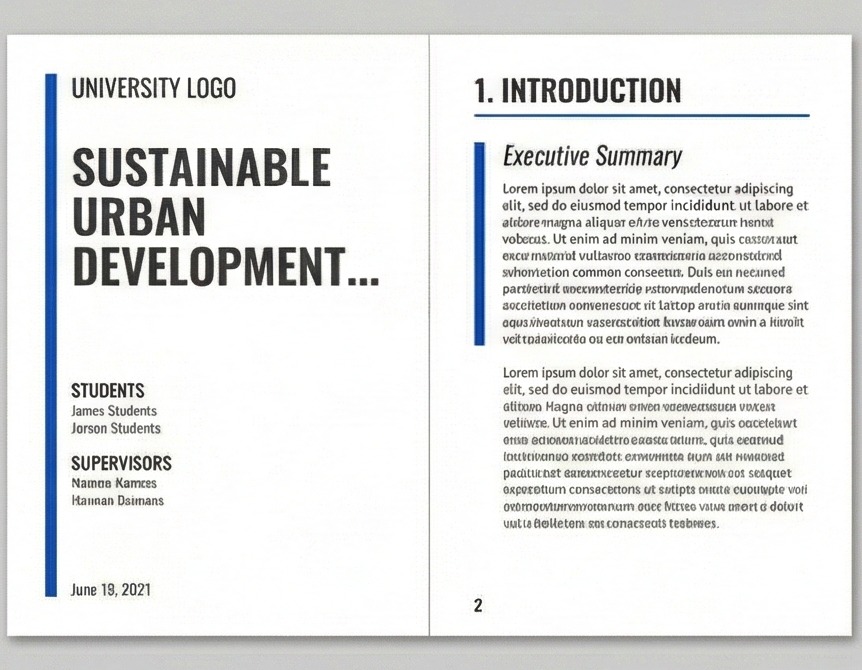
Select a template style. Hover over the image to Preview the design.

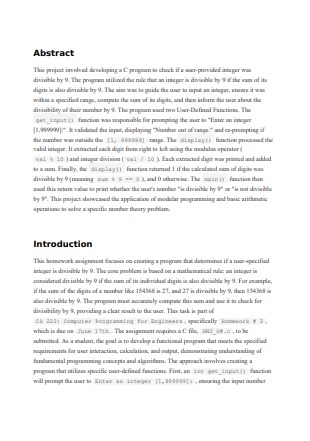
Traditional academic styling
$4.99

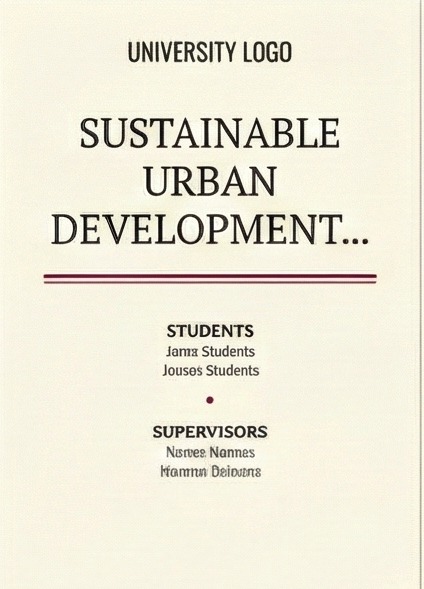
Modern & Clean styling
$5.99
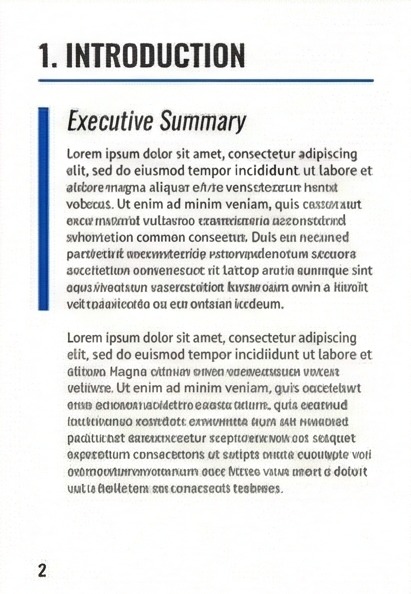
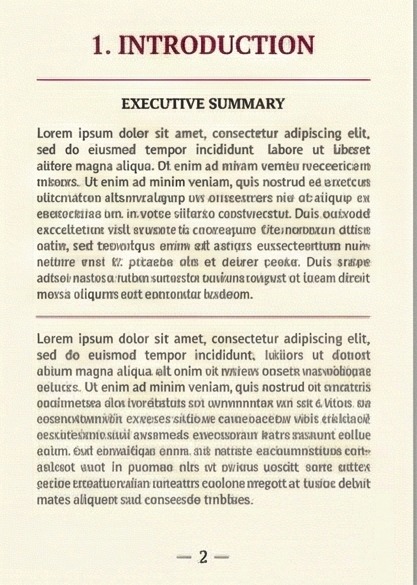
Creative layout elements
$5.99
Your report has been generated and is ready for download.
Avoid spending weeks on drafts. Our AI report writing tool analyzes your inputs in minutes to generate an extensive Final Year Project report or academic summary.
You don't have to worry about the correct format for a report. Our AI report writing tool generate a proper title page, table of contents, and headings for your document.
Simply upload your problem statement. Our best AI report writing tool understands the context to create appropriate technical content, whether for thesis work or specific incident reports examples.
Every essential section is handled by our writing tool, from Abstract to Conclusion. You may select particular chapters like Methodology according to your report writing requirements.
You are in charge. Before downloading, go across each section generated by our paper helper in the integrated editor to make necessary edits and polish the text.
Our AI report writing tool generates original content tailored to your project particulars, ensuring the reliability and novelty of your project documentation and academic report.
Get instant help anytime if you face issues using our AI report writing tool for your projects.
Access our AI report writing tool to essay write effectively or generate complex technical reports.
Ensure your academic report is unique and original with our built-in checks.
Not satisfied? Regenerate sections until the output meets your report writing format standards.
Auto-generated references in APA, MLA, or Harvard style for your report writing report.
Access and download your generated documents from our AI report writing tool anytime you want.
Secure payment with a promise of quality assurance for every writing tool service.
Earn reward points on every document you generate using our AI professional writer.
Are you staring at a blank screen wondering how to write on paper for your next submission? Our intelligent AI report writing tool is designed for students who need instant report writing help or guidance with complex incident reports examples.