You work in the shipping department for a book printer. At
this printing shop, all the books are the same size. Specifically,
the covers are 10 inches (length) by 8 inches (width). The
thickness of the books is determined by the number of pages,
which are .006 inches each. Also, the front and back covers
add 1/4 inch each to the thickness of each book (1/2-inch
total). Given these dimensions and additional information
given by the user about the order, you are responsible for
determining the packaging for orders that go out to
bookstores. Note, all measurements should be in inches,
unless otherwise specified.
NOTE: Text must be exact. This includes capital letters, white-space, and punctuation. Please see the
example at the end of this document. Also, consider the data types for each calculated result.
1) Prompt the user for the following pieces of information about a particular order:
a. How many book copies in the order?
b. How many pages in the book?
c. What is the length of the shipping box?
d. What is the width of the shipping box?
e. What is the height of the shipping box?
How many books in the book order?
How many pages in the book?
What is the length of the shipping box?
What is the width of the shipping box?
What is the height of the shipping box?
2) Calculate and display the volume of the shipping boxes, rounded to the nearest whole inch.
The volume of the shipping boxes is __ cubic inches.
3) Calculate and display the thickness of each copy of the book, rounded to the nearest tenth.
Each book is ___ inches thick.
4) Assume that the books must be stacked so that the length of the books is aligned with the length of
the box and the width of the books is aligned with the width of the box. The box and the books are
stacked so that their thickness corresponds to the height of the box. (This makes the task easier.)
___ books will fit in each box.
To determine how many books can be packed in each box, first determine:
a- How many books by length fit in a box.
b- How many books by width fit in a box.
c- How many books can be stacked in a box.
NOTE: Only the number of books in a box is displayed to the screen.
5) Determine how many full boxes of books will be shipped and how many additional books are left
over for one additional box. (Assume that there will be additional books; Do not worry about having
0 (zero) books left over.)
There will be ___ full boxes and ___ books for an additional box.
6) Calculate and display the empty space (volume) in this order. (NOTE: This means that there will
likely be space in the full boxes, and a different amount of empty space in the partially filled box!)
The extra volume in all the boxes totals _____ cubic inches.
Testing your code:
When you run your program, the black text below is the prompts from the program. The blue is the
input values from a user. The test cases in GradeScope will run your code with different inputs (blue)
and check the results that your program generates.
How many books in the book order?500
How many pages in the book?350
What is the length of the shipping box?25
What is the width of the shipping box?25
What is the height of the shipping box?30
The volume of the shipping boxes is 18750.0 cubic inches.
Each book is 2.6 inches thick.
66 books will fit in each box.
There will be 7 full boxes and 38 books for an additional box.
The extra volume in all the boxes totals 46000.0 cubic inches.
Assumptions:
In computer science, exact formatting of input/output is like putting on socks with shoes, while people
might not do it 100% of the time in their personal life, it is extremely unusual not to do it in a
professional setting. Therefore, you will need to format your input/output exactly like the samples
provided. As we are just starting to program, and don't even have if-else statements at our disposal, we
will assume many things to make the project easier, though it makes the project slightly more artificial.
You may assume that the user will always enter a value of an appropriate data type.
Restrictions:
Allowed:
• All arithmetic operators: +, -, *, /, %, //, **, =
• The following data types and their casting functions: int, float, string
• Any Escape Sequence
• These functions: input(), print(), round(), min()
Prohibited:
• You may not import other modules (like math) or write your own modules
• You may not use string formatting operations and related functionality
• You may not create your own functions (do it the long way for this project)
• No branching (if statements), or loops (for/while), or any other feature we haven’t yet covered
in class
• Do not pre-calculate values on paper and then use the literal calculated price value in code. Do
all the calculations in code. In other words, no hard coding.
Testing Your Code
The tester for this assignment expects exact matching to pass a test case. If you're getting the right
numbers but failing test cases, check your formatting (issues, capitalization, spelling, etc) You cac to see
the exact tests we'll use when we grade your code, so you might as well get them all correct before
turning in your work! No surprises there.
One note, tests.txt, the OUTPUT section of the tests only includes what the program is supposed to
print and does not include the characters that a user would be typing during the interaction (including
when the user hits enter for a newline). This makes the output look a bit weird, but the testing file is
correct.
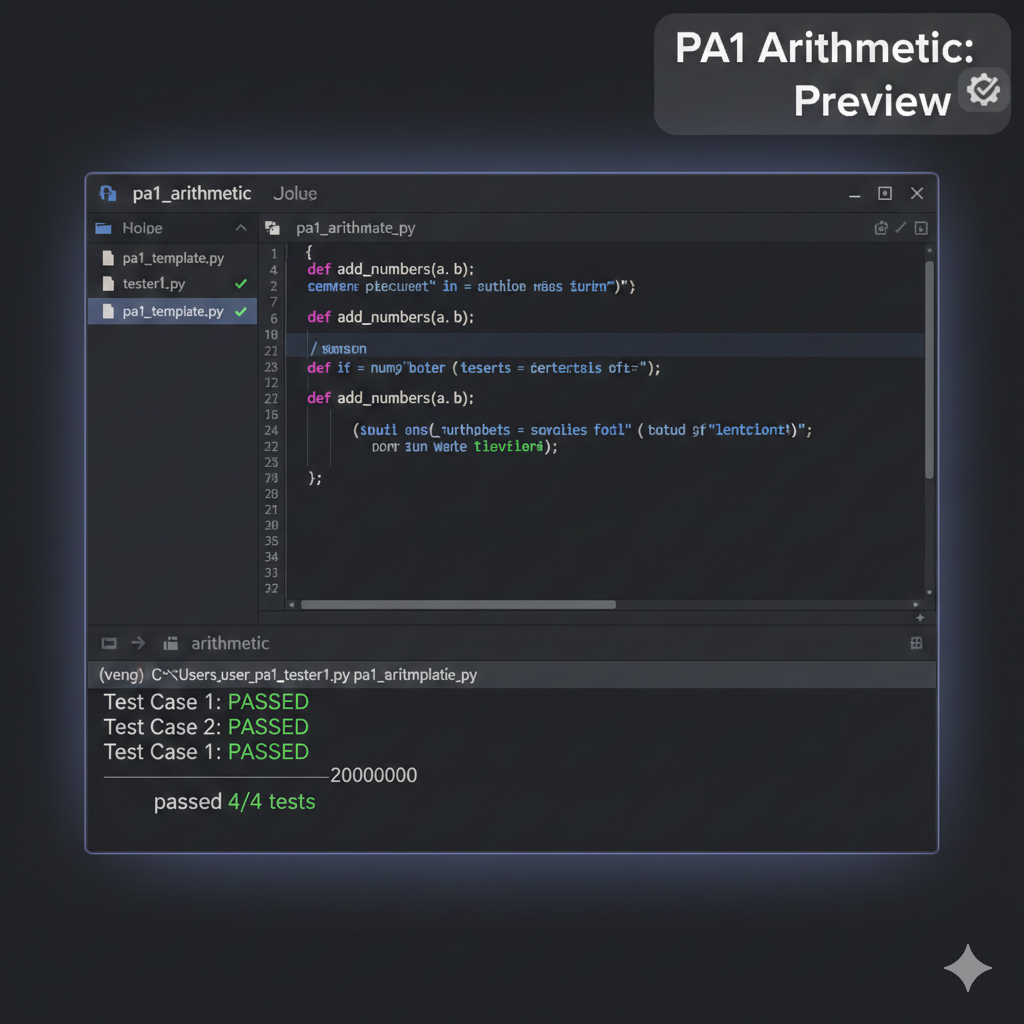
To test your code with the provided tester, first make sure that you have downloaded the files
"tester1.py" and "tests.txt" into the same folder as your assignment code. Then, from that directory, run
the following command using your command-line interface:
> python3 tester1.py your_filename_PA1.py
++++++++++++++++++++++++++++++++++++++++
++++++++++++++++++++++++++++++++++++++++
passed 9/9 tests.
NOTE For Windows users: Instead of python3, use py or python.
If you pass all the tests, you will see the above contents. If you don't pass a test, you will be informed of
where the mismatch in your output is, and you can figure out from there what needs to be fixed.
Hints to Pass the Tester:
Even if your math and your math output is correct, your program must have the exact spelling and
formatting as the examples above for your code to pass the tester. Be sure to use the round()
function, round(data, 2)as needed.