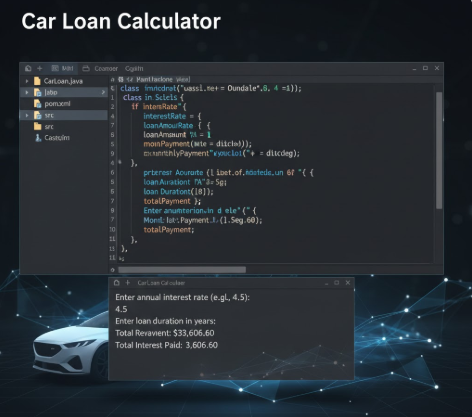
A comprehensive walkthrough for setting up and running a Java car loan calculator project. This guide covers environment configuration, file preparation, and a detailed explanation of loan amortization calculations, including monthly payments and interest overpayment.
Car Loan
Write a Java program using [intelli] that calculates a monthly car payment; we will assume that
the interest rate is compounded monthly. Use the Scanner class to receive the input and produce
the output using System.out.println.
1. Prompt the user for a double value representing the annual interest rate in percentage. For
example, user enters 5 for 5%.
2. Prompt the user for an integer value for the number of years the car loan will be held
(typical input here is 3 or 5).
3. Prompt the user for a double value representing the car loan amount borrowed from the
bank.
4. Calculate the monthly payment using the formula:
o Monthly payment = (mIR * P) / (1 - (1 / (1 + mIR)(12 * nOY))), where:
o mIR = monthly interest rate = annual interest rate / 12 (Note that the interest rate
should be stored as a decimal. For example, 0.05 for 5%).
o nOY = number of years
o P = car loan amount (also called the principal)
o Hint: The Math class has a pow method (power) that you should use here
5. Output a summary of the car loan results as follows:
o the annual interest rate in percent notation
o the car loan amount in dollars
o the number of monthly payments (no decimal places)
o the month payment in dollars with exactly two significant digits after the decimal
point
o the total payment over the years with exactly two significant digits after the
decimal point
o the overpayment, i.e., the difference between the total payment over the years and
the car loan amount, with exactly two significant digits after the decimal point
o the overpayment in percentage (in percent notation) of the car loan amount, i.e.,
the ratio between the overpayment and the total payment
o Format currency and percentages appropriately, using $ and % where necessary.
Number formatting reference is available on the Java API.
6. Format the input (including prompts) and output as shown on the sample below. Numeric
outputs are formatted using the DecimalFormatter class.
7. Comment your code properly.
Sample execution:
CAR LOAN PROGRAM
=====================================
Enter the interest rate: 3.5
Enter the number of years for the loan: 5
Enter the car loan amount: 45,999
=====================================
Annual Interest Rate = 3.5%
Car Loan = 45999.00
NumberofmonthlyPayments=60
MonthlyPayment= $836.80
Total Payment = $50208.12
Overpayment = $4209.12.
Overpayment in % = 8.38%